Clone Instances
This articles describes how to clone instances, which saves time, for example when creating instances for separate environments. Cloning an instance creates a copy of an instance with the same configuration.
Clone an Instance
- Go to the Timextender Portal and select the instance you wish to clone
- Select Clone
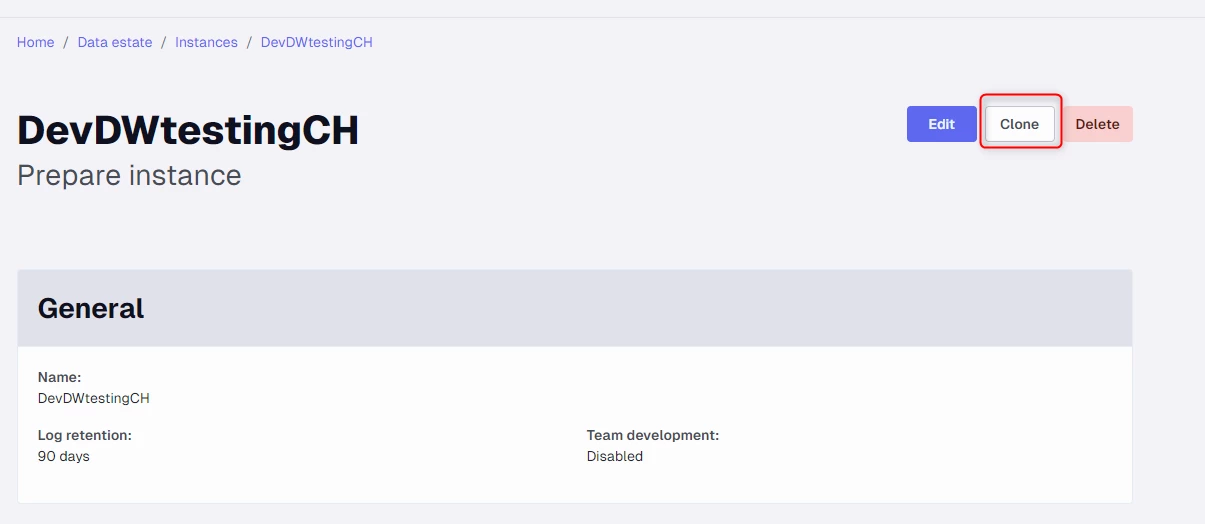
- Rename the cloned instance and change any settings as required, or keep the configuration as-is, and click Save
Discussed in the community
Looking for related questions…
Didn't find your answer? Ask the community about this page — questions are answered by Timextender experts, partners and other users.