Step-by-Step Guide to Download Executables for Upgrading DE and O&DQ
If you ever find yourself wishing you had access to all (older) versions of Timextender O&DQ and DE apps here is your solution! Let's find out how to quickly download the executable versions of our solutions. Links below will guide you to public-facing SharePoint folders that will enable you to download and run multiple versions of O&DQ and DE clients. These are not installable files, just follow instructions below to run each version.
Timextender O&DQ: Timextender O&DQ Timextender DE: Timextender DE
Timextender O&DQ
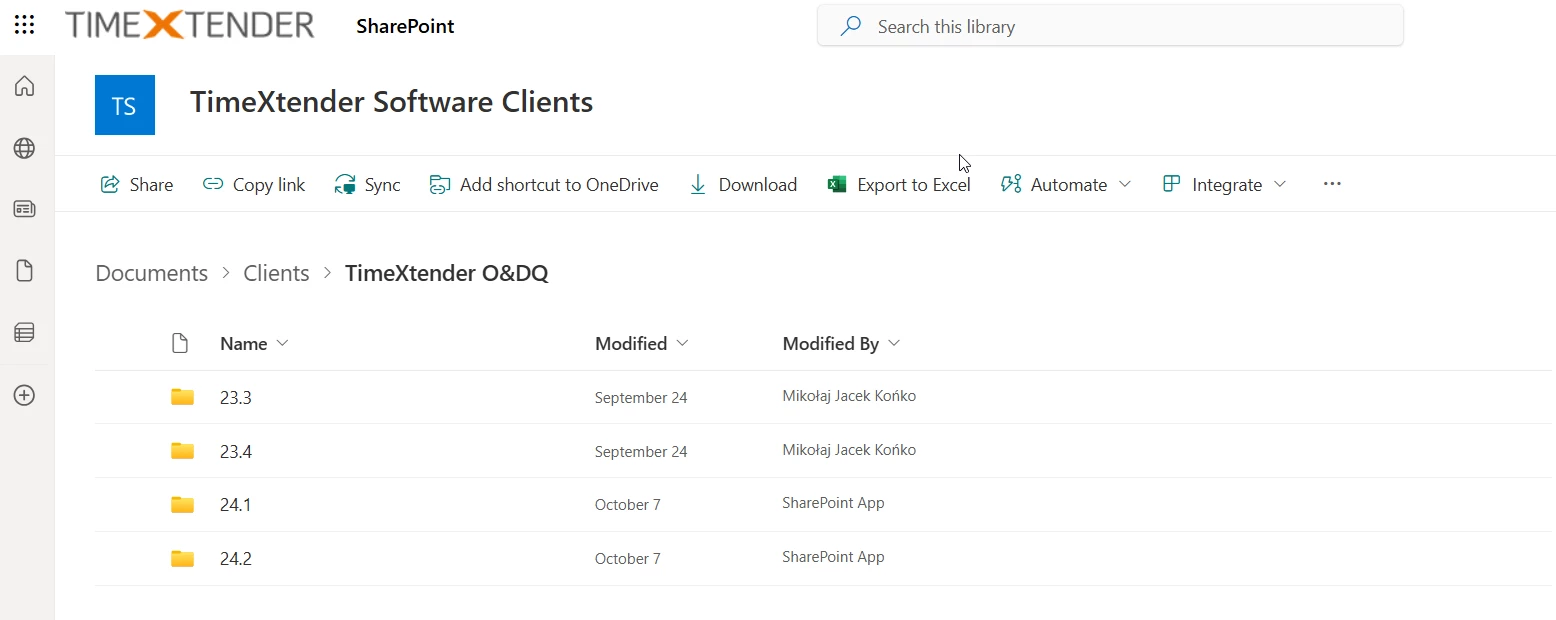
Open the link and select the version you are interested in. Next step will be to press "Download" and wait patiently as the zipped folder is downloaded.
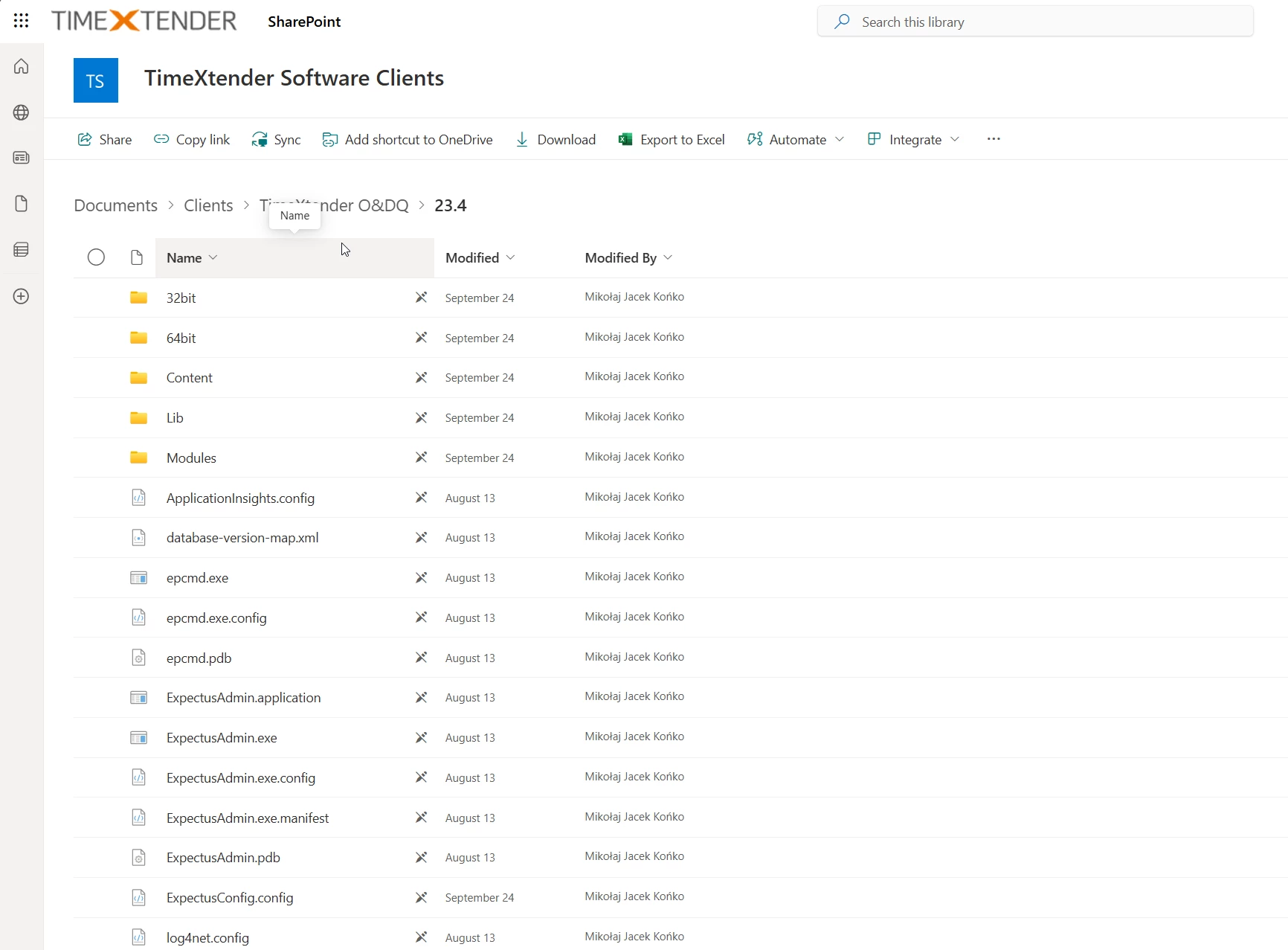
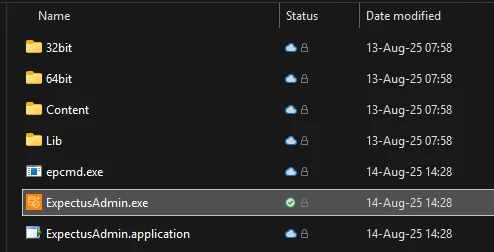
Extract the files from the folder and select "ExpectusAdmin.exe" to start the application
Timextender DE
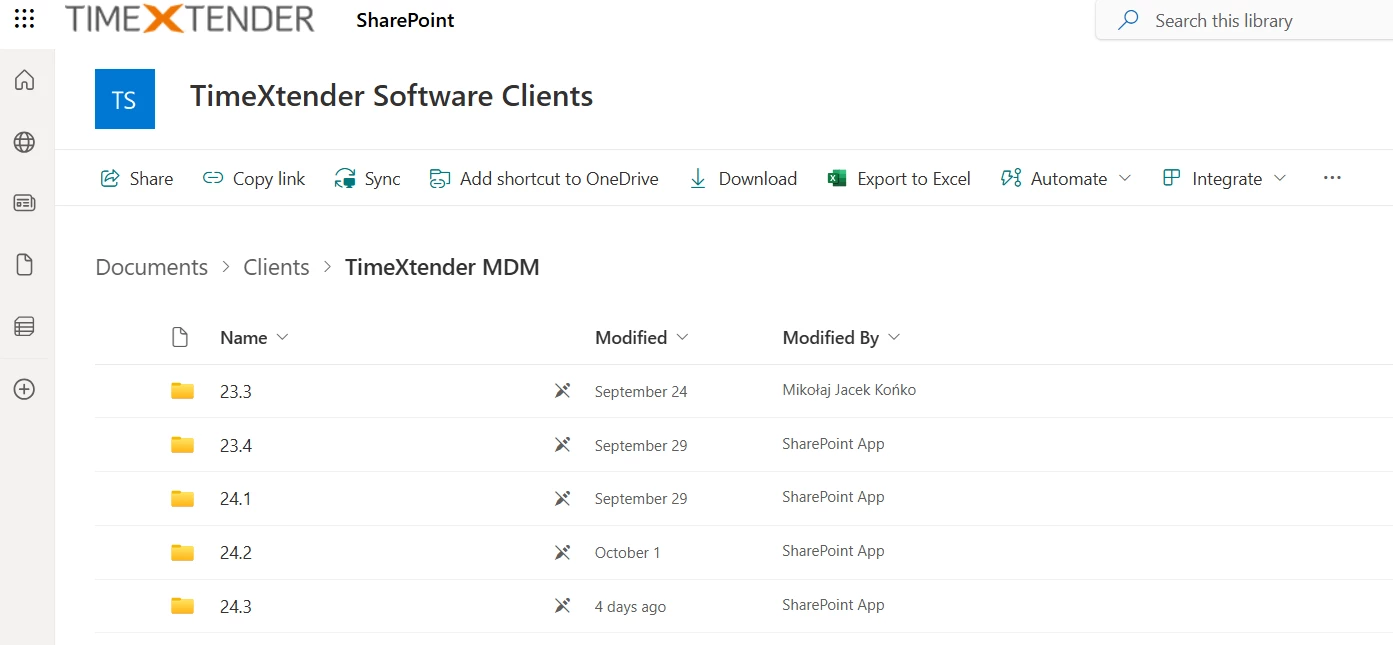
Open the link and select the version you are interested in. Next step will be to press "Download" and wait patiently as the zipped folder is downloaded
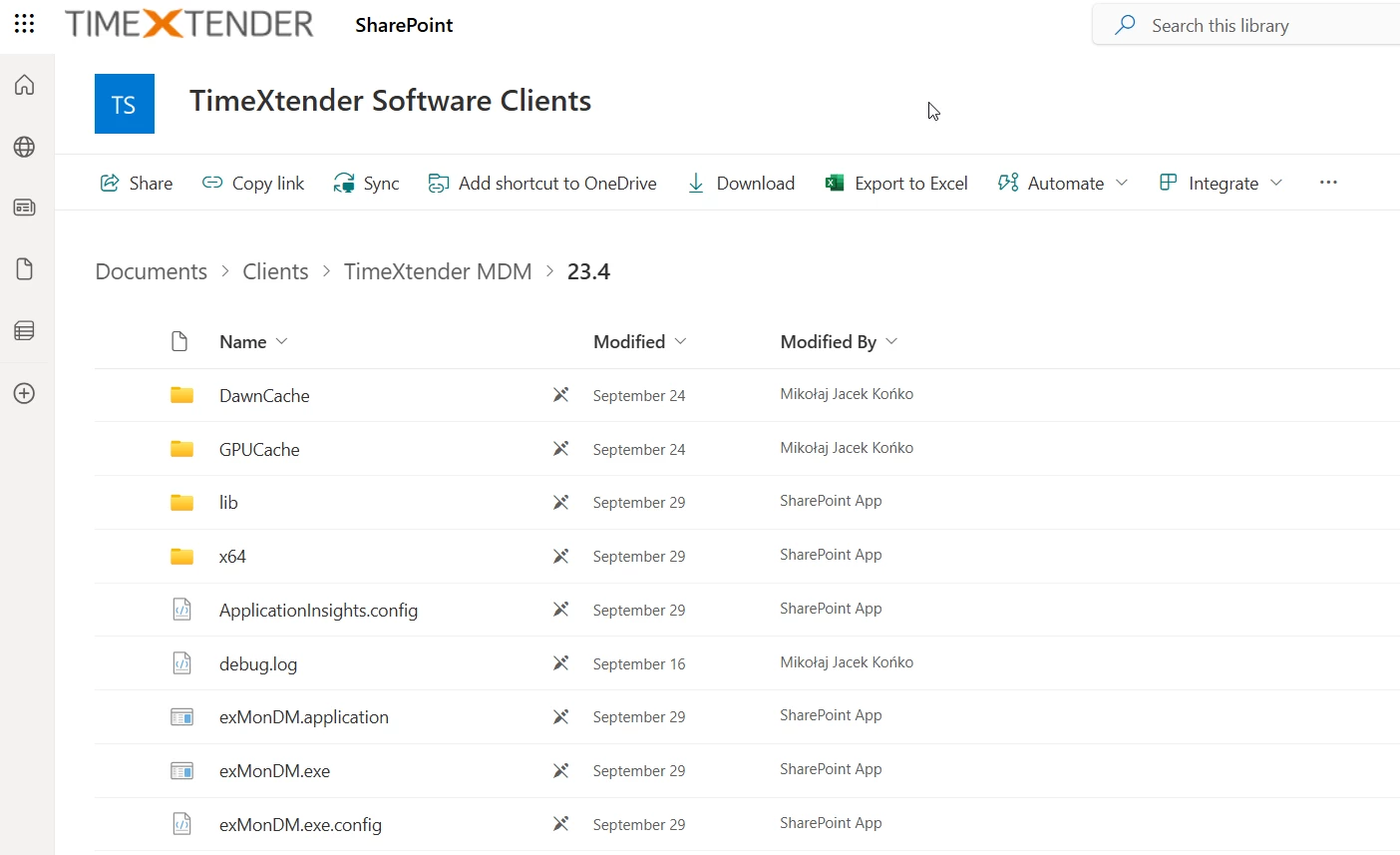
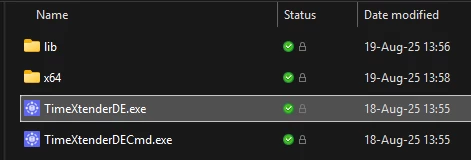
Extract the files from the folder and select "TimextenderDE.exe" to start the application.
Discussed in the community
Looking for related questions…
Didn't find your answer? Ask the community about this page — questions are answered by Timextender experts, partners and other users.