PowerShell Action
In this article, you are going to read about PowerShell Actions. Running PowerShell action can be a versatile and useful feature. Here are instructions on how to use this feature.
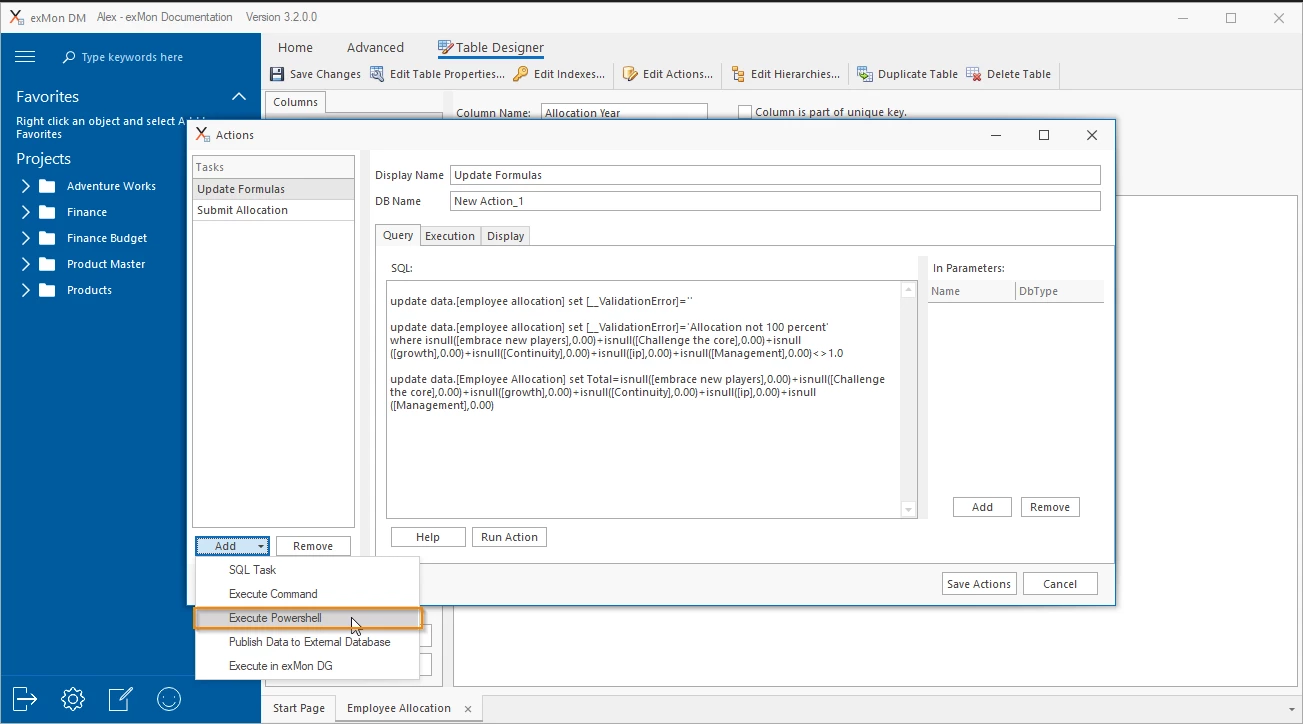
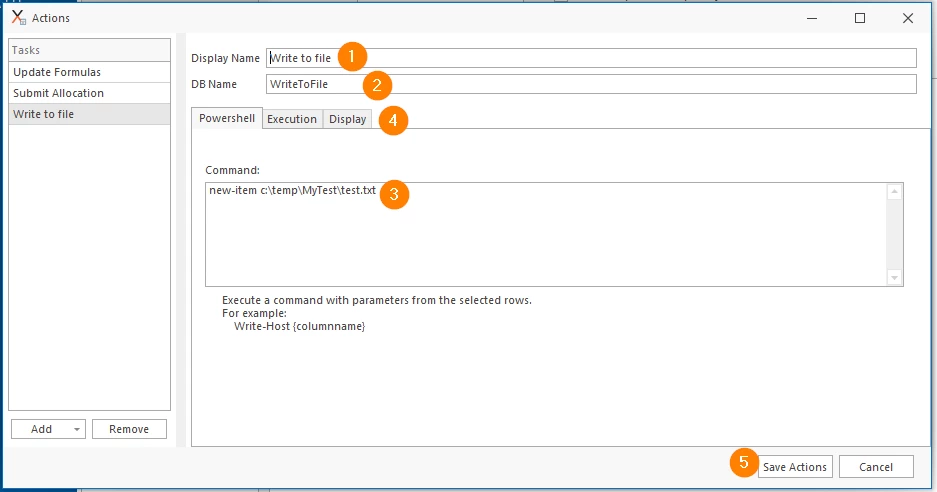
Steps are shown above on the normal configuration flow for this type of action:
- Choose a display name for your action
- Choose a database name for your PowerShell action
- Write the command
- Optional - configure additional properties which are the same as with other action types.
Discussed in the community
Looking for related questions…
Didn't find your answer? Ask the community about this page — questions are answered by Timextender experts, partners and other users.