Step 1 - Setup Data Enrichment Client
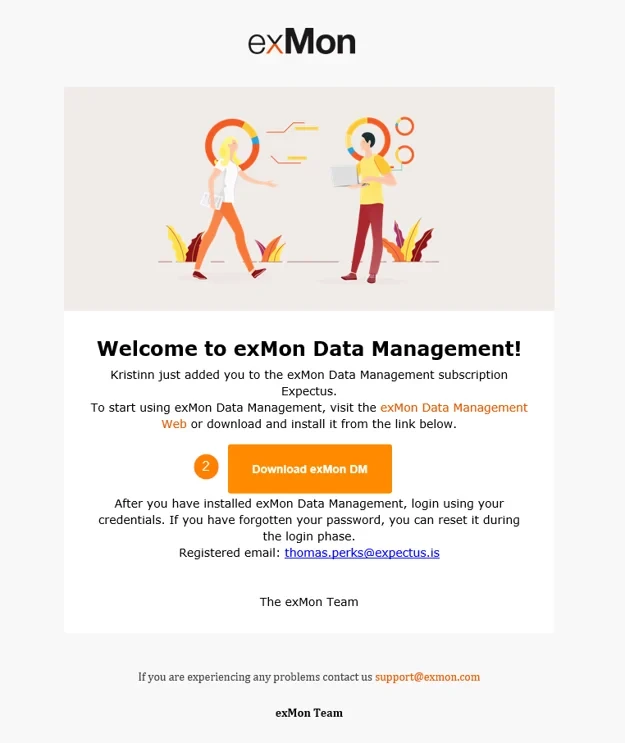
In this tutorial series, you will create your first Data Enrichment and connect to PowerBI. Before you begin, please contact your Data Enrichment Administrator and ask them to add you to the Data Enrichment Service. Once you have been added, you should receive the following invitation.
Note
If you have not yet received an invitation email for Data Enrichment contact your admin. They can send resend the invitation through the resend invitation email linkon the user configuration dialog.
Setting up Data Enrichment
- Open up your email invitation
- Click on the download link in your email
- Follow the instructions in the setup wizard
Wizard set up
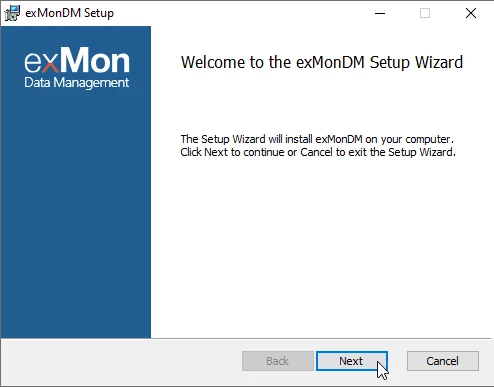
- Once you have downloaded Data Enrichment, open the wizard. Click on next.
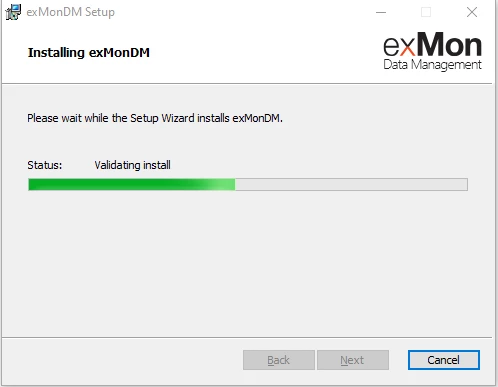
- Wait for the wizard to set everything up.
- Click on finish.
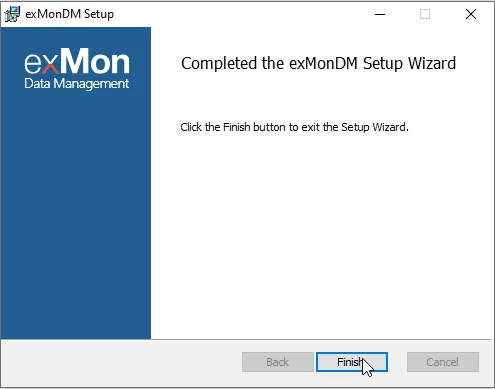
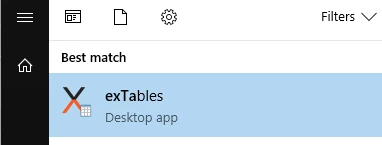
After the setup wizard is completed the Data Enrichment Desktop app should be available from the Start menu in Windows:
Next steps
To continue with this training, click here.
Discussed in the community
Looking for related questions…
Didn't find your answer? Ask the community about this page — questions are answered by Timextender experts, partners and other users.