Error: Link does not work when opening O&DQ Portal in Browser
Symptoms
Error while trying to open the O&DQ portal in a browser.
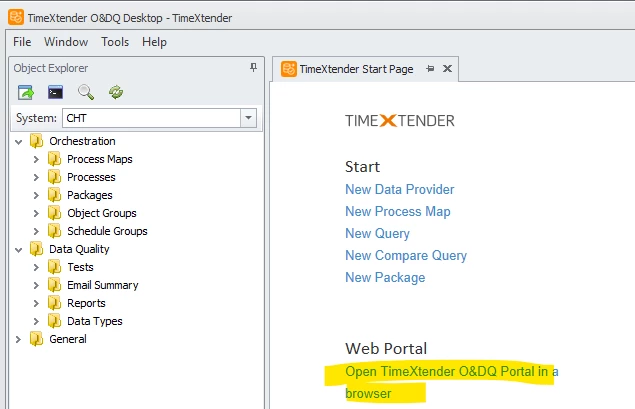
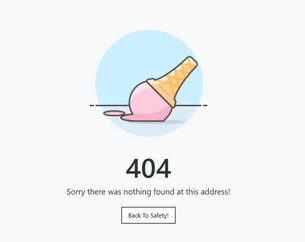
The link appears incorrect and does not work unless a specific character ("2") is removed from the URL.
Resolution
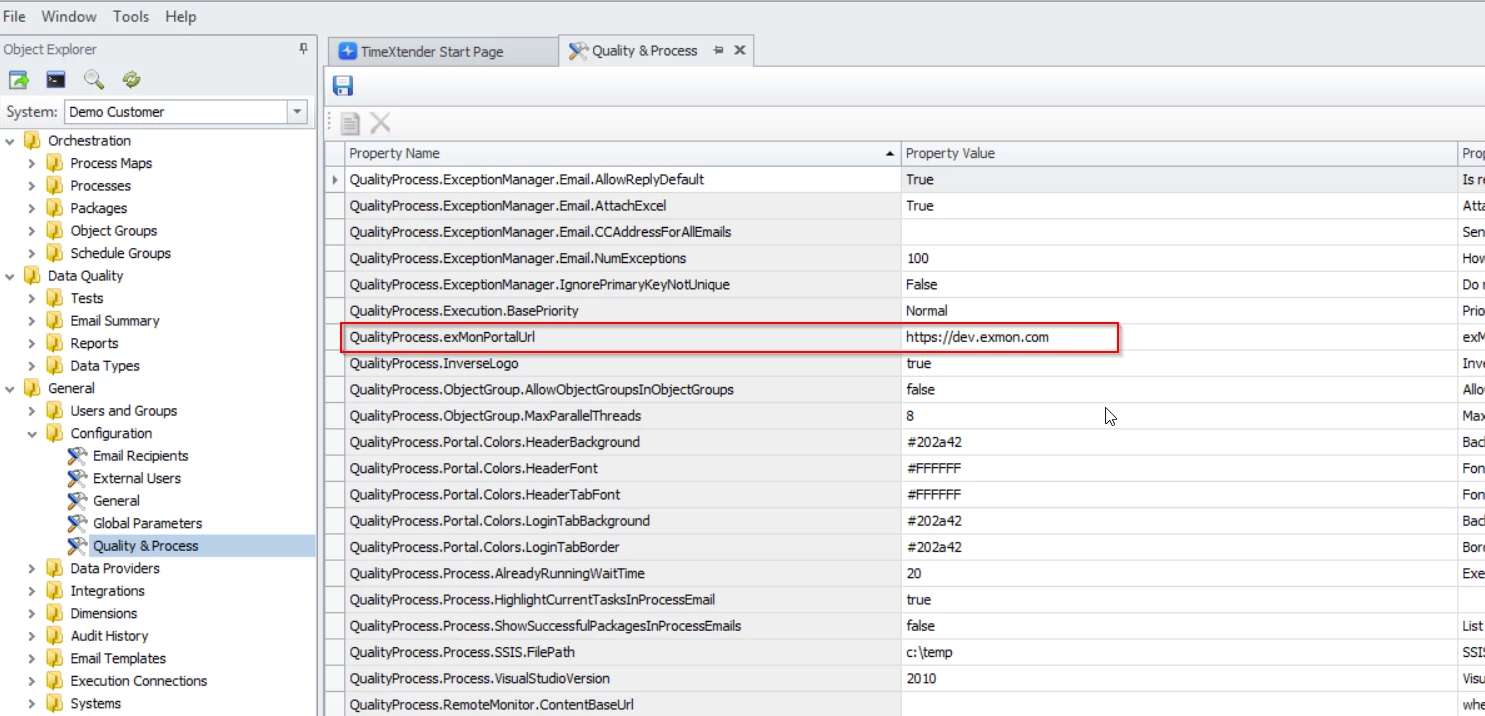
To resolve the issue with the O&DQ Portal link:
- Open the O&DQ desktop client.
- Modify the URL directly within the desktop client e.g. remove the incorrect character ("2") from the link.
Reference Ticket
34145
Discussed in the community
Looking for related questions…
Didn't find your answer? Ask the community about this page — questions are answered by Timextender experts, partners and other users.