Setting up Fivetran connectors
Note
This feature is deprecated and will be removed in future releases. We recommend using Timextender Data Integration or Data Transfers instead
Fivetran connectors offer a way to pull data from a variety of external data sources such as Salesforce, Google Analytics, Facebook and more. Fivetran offersmore than 100 data source connectors which you can choose from.
In order to set up a data connector for your exMonDM service, you need to go to the Settings page and choose the External Data Connectors tab on the left-hand side.
Setting up a Data Connector
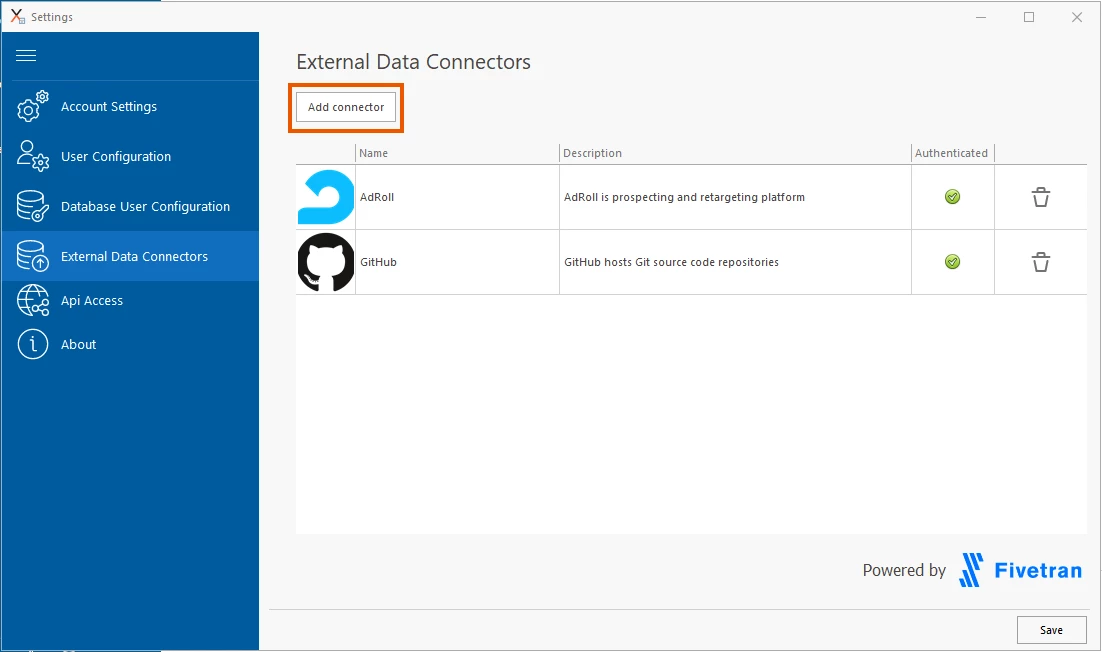
In the External Data Connectors tab, you will see a list of all data connectors which have been set up in your exMonDM service. If you want to add a new one you can do so by clicking the Add connector button.
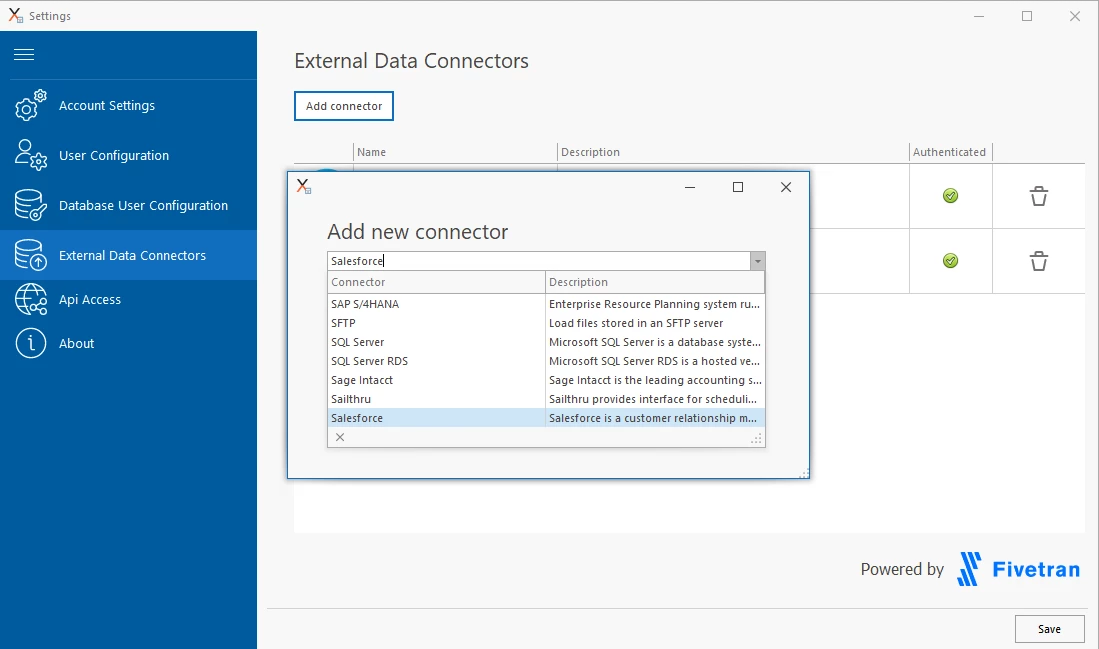
Search for and select the appropriate connector.
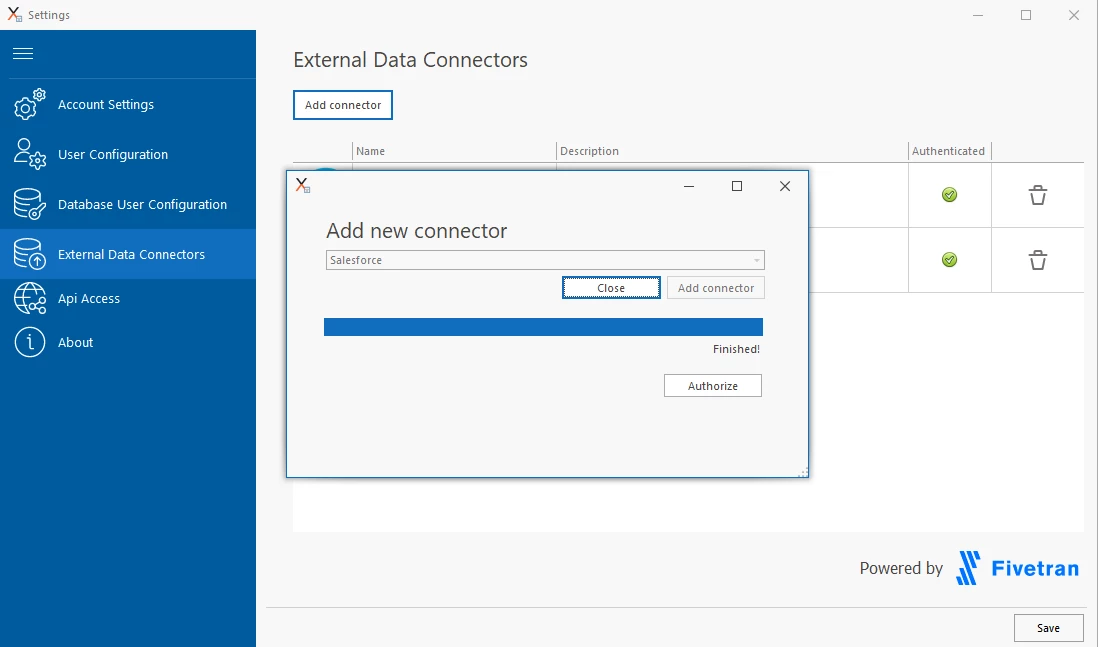
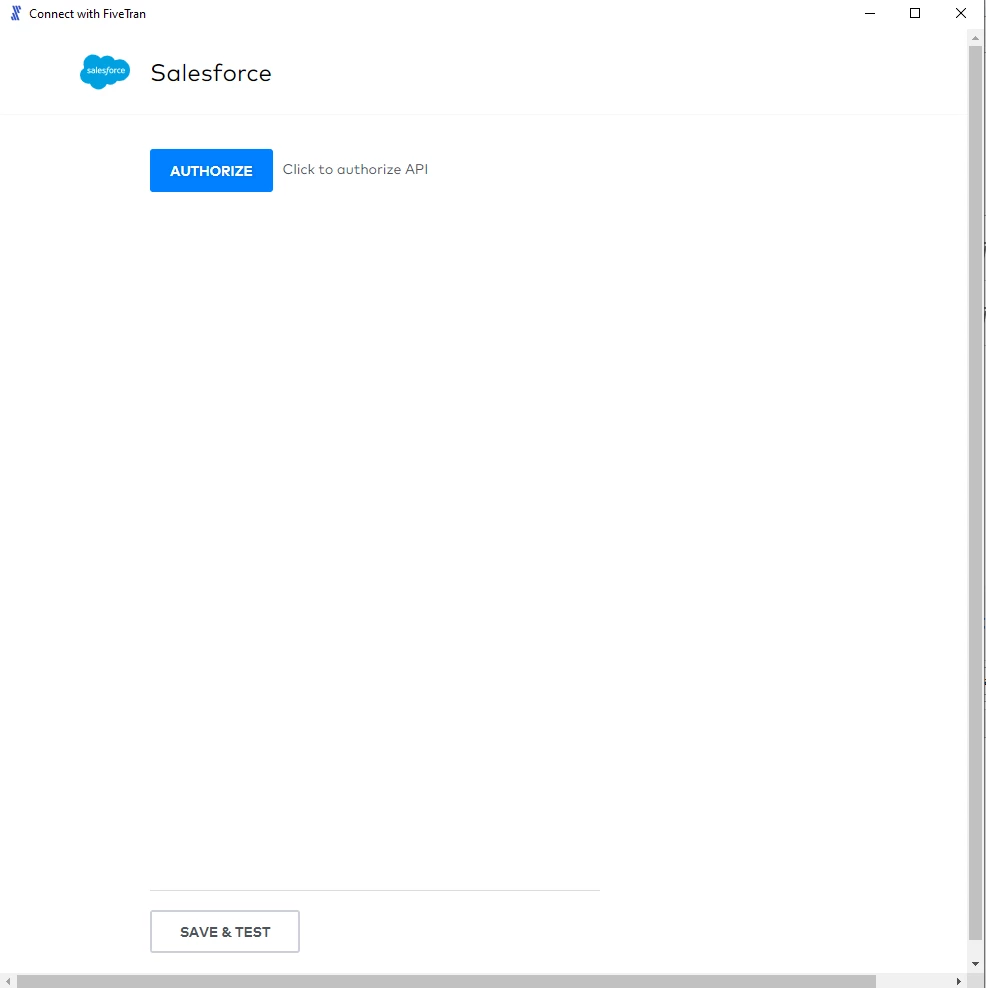
When you click Authorize you will give the selected data connector authorization to retrieve data associated with the account you used. Upon setting up the data connector the sync has been started where the data will flow from the selected source to your exMonDM service.
Discussed in the community
Looking for related questions…
Didn't find your answer? Ask the community about this page — questions are answered by Timextender experts, partners and other users.