Web - Connecting to service
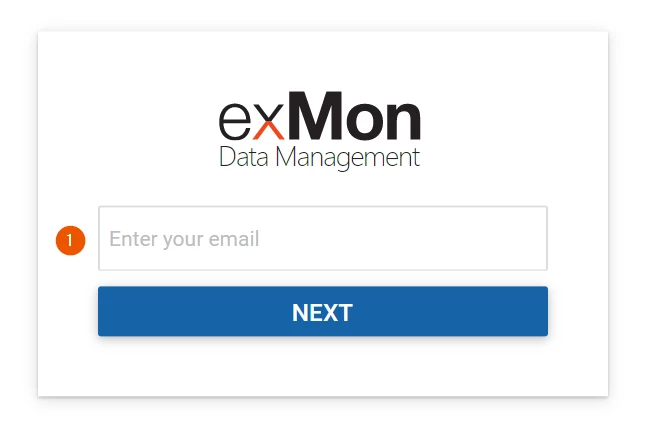
In this article, you are going to learn how to connect to an Data Enrichment or Timextender Orchestration and Data Quality service through the web. To being, navigate to https://login.exmon.com/ and enter your email in the small modal that appears.
Flow when Single sign-on using Azure AD is setup
If single sign-on using Azure AD has been set up you will be redirected to your companies login site and it will probably look something like this:
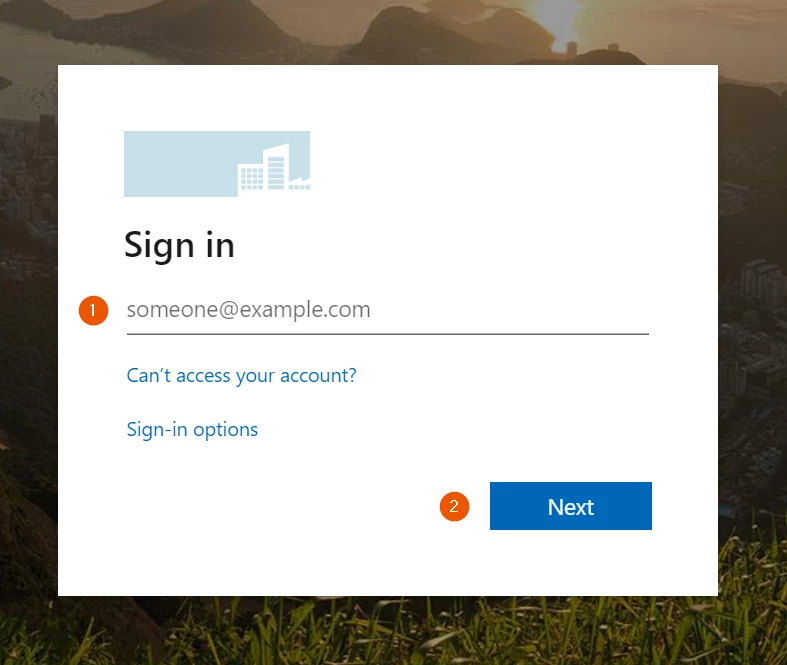
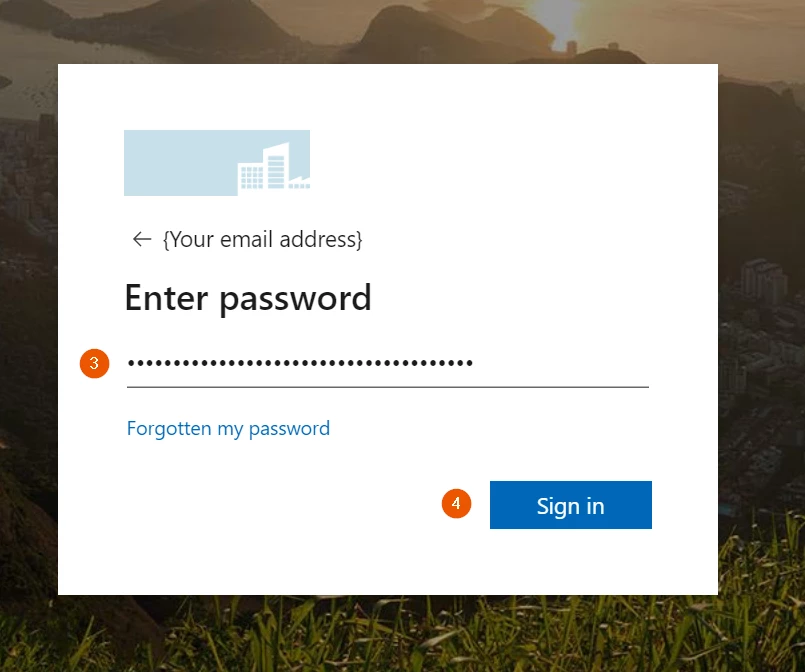
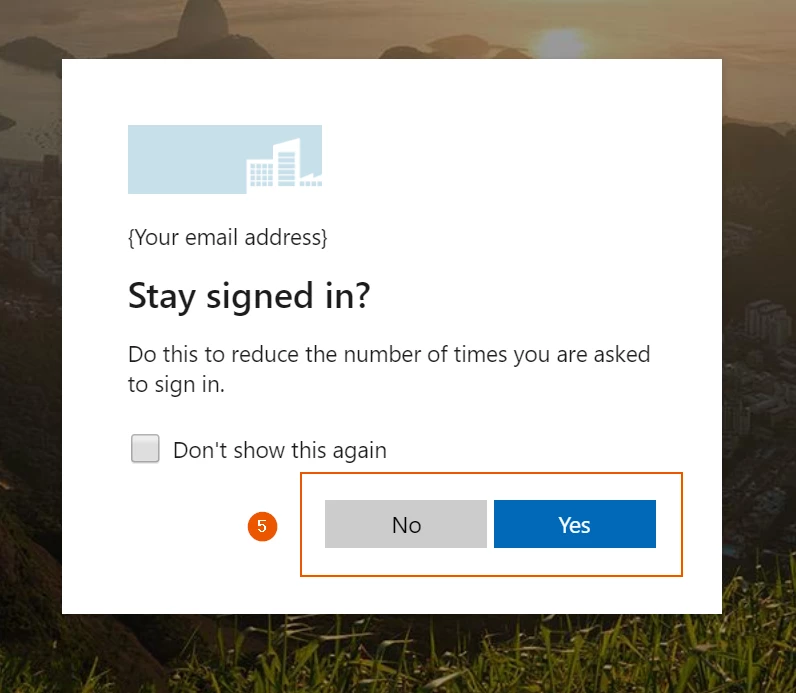
Flow using email and password
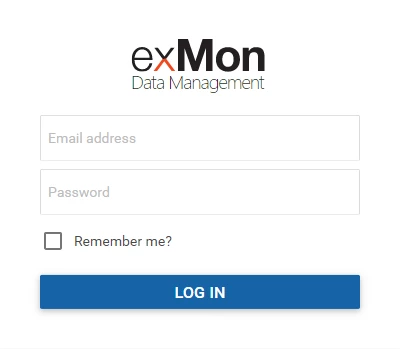
If the email entered, in the beginning, does not have a single sign-on setup this modal will appear where you simply enter your email and password and press 'log in'
Selecting a Service
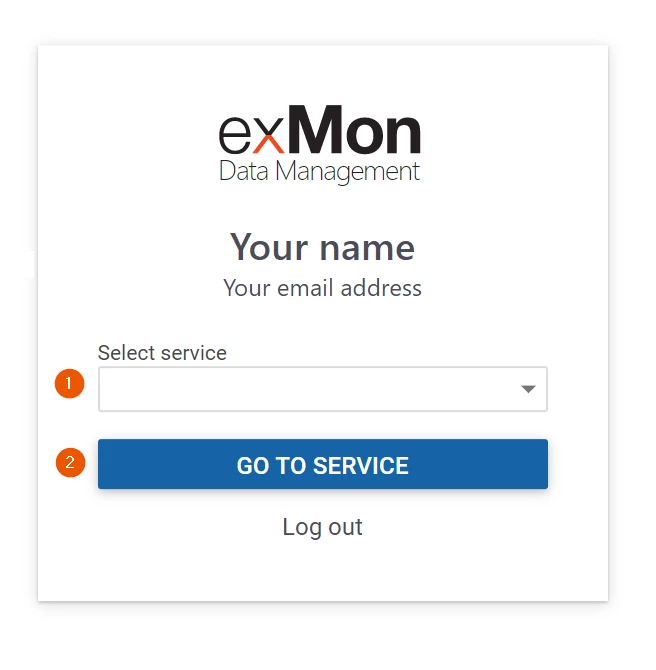
When the login process is finished, using either single-sign-on or email/password, this modal will appear which allows you to select the service you would like to go to from the drop-down menu.
Discussed in the community
Looking for related questions…
Didn't find your answer? Ask the community about this page — questions are answered by Timextender experts, partners and other users.