Could not find column definitions for the test
In this article, you will learn how to troubleshoot not finding column definitions for a test. Before you execute a test, you need to run its query in the Timextender Orchestration and Data Quality designer, otherwise, you will get an error.
Follow these steps:
- Open Timextender Orchestration and Data Quality desktop application
- Find the test you want to execute and open it
- Execute the query with this highlighted button or press F5
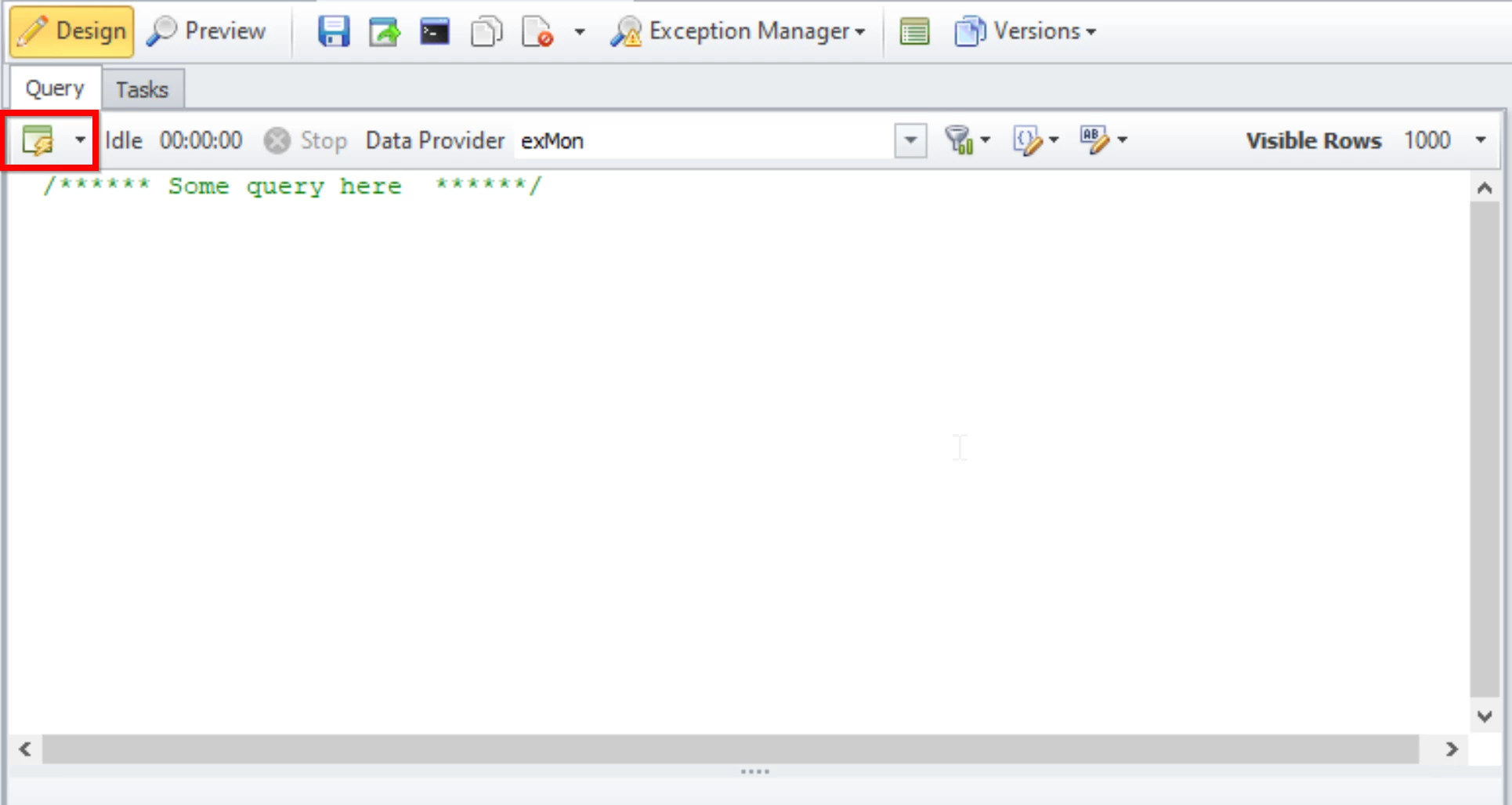
- Then you should be good to go to execute the test.
Discussed in the community
Looking for related questions…
Didn't find your answer? Ask the community about this page — questions are answered by Timextender experts, partners and other users.