Impersonation support for on premise customers
Impersonation
In Timextender Data Enrichment release 26.1, there is now an opportunity to impersonate as another (Windows Active Directory) user connecting to an On-Premise Database.
In your install folder (default: %LocalAppData%/TimextenderDataEnrichment) there is a file called ‘UserImpersonation.config.template’. In this file there are some settings to be set for impersonation to work.
<IsActive>Impersonation state- Set to true or false to actively use impersonation or not.
<UserName>Username to impersonate- The Active Directory username of account to impersonate.
<Domain>User domain- User domain, '.' indicates localhost.
<Password>Password goes here- Password for user to be impersonated.
<ServerName>Server name- Server name
<HasPasswordBeenEncrypted>Password encryption state- Set to false when inputting password first time. As this follows the XML standard, special characters need to be escaped such as ‘&’ needs to be typed ‘&’. After first startup, it encrypts the password and sets this to true.
When starting up Data Enrichment with IsActive tag set to true, you will be prompted for the application to be restarted with elevated privileges (if not already started as administrator). During the first startup, the template file will be converted to a config file, and the password will be encrypted.
If you are logged in as own user, you need to log out and log in again with “Use Local Active Directory”
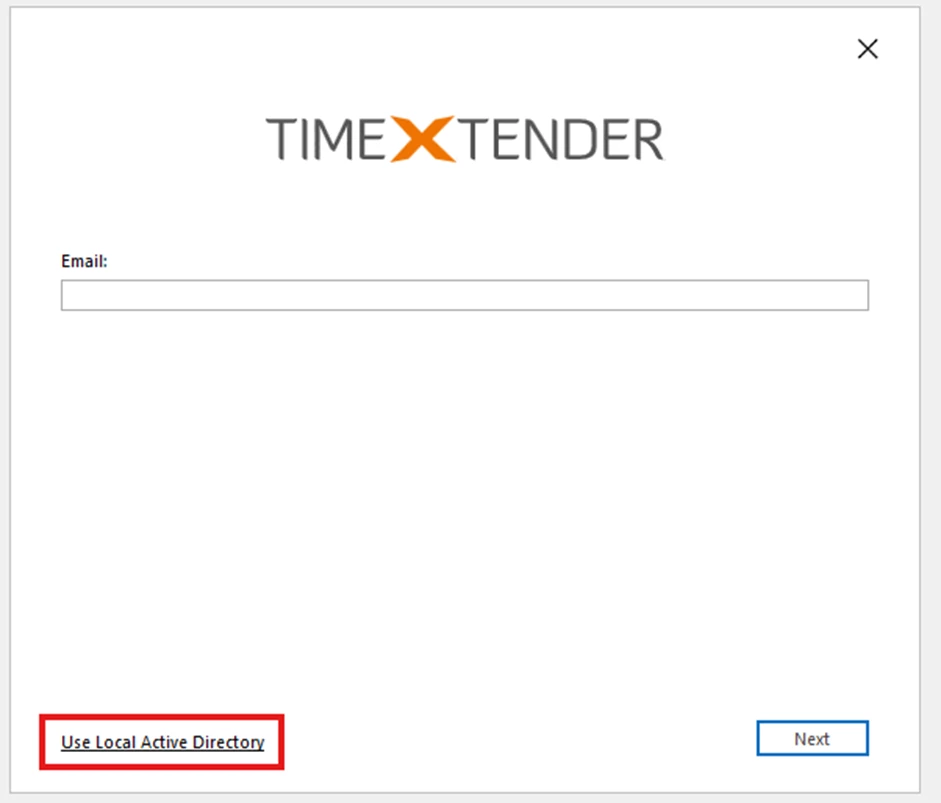
Then input your local server and database name to connect to and login
Discussed in the community
Looking for related questions…
Didn't find your answer? Ask the community about this page — questions are answered by Timextender experts, partners and other users.