Create a Timextender Prepare package
A Timextender Prepare package runs a prepare execution package in Timextender Data Integration — the transformation step that shapes data already in the data estate into something reportable.
The package holds a reference to the TDI object, not a copy of it. Change what the execution package does inside TDI and this package runs the new version — which is the point, and also the thing to remember before editing anything in TDI that orchestration depends on.
Three stages, three package types
Prepare sits between Ingest and Deliver. It assumes the data is already in the estate, so it is usually ordered after an Ingest package and before a Deliver one. All three are configured identically: choose a Timextender Data Integration connection, then choose the execution package to run.
Before you start
A Timextender Data Integration connection in the workspace. Selecting it loads the execution packages available in that instance, so if the list is empty the connection is the place to look.
Steps
1. Create the package
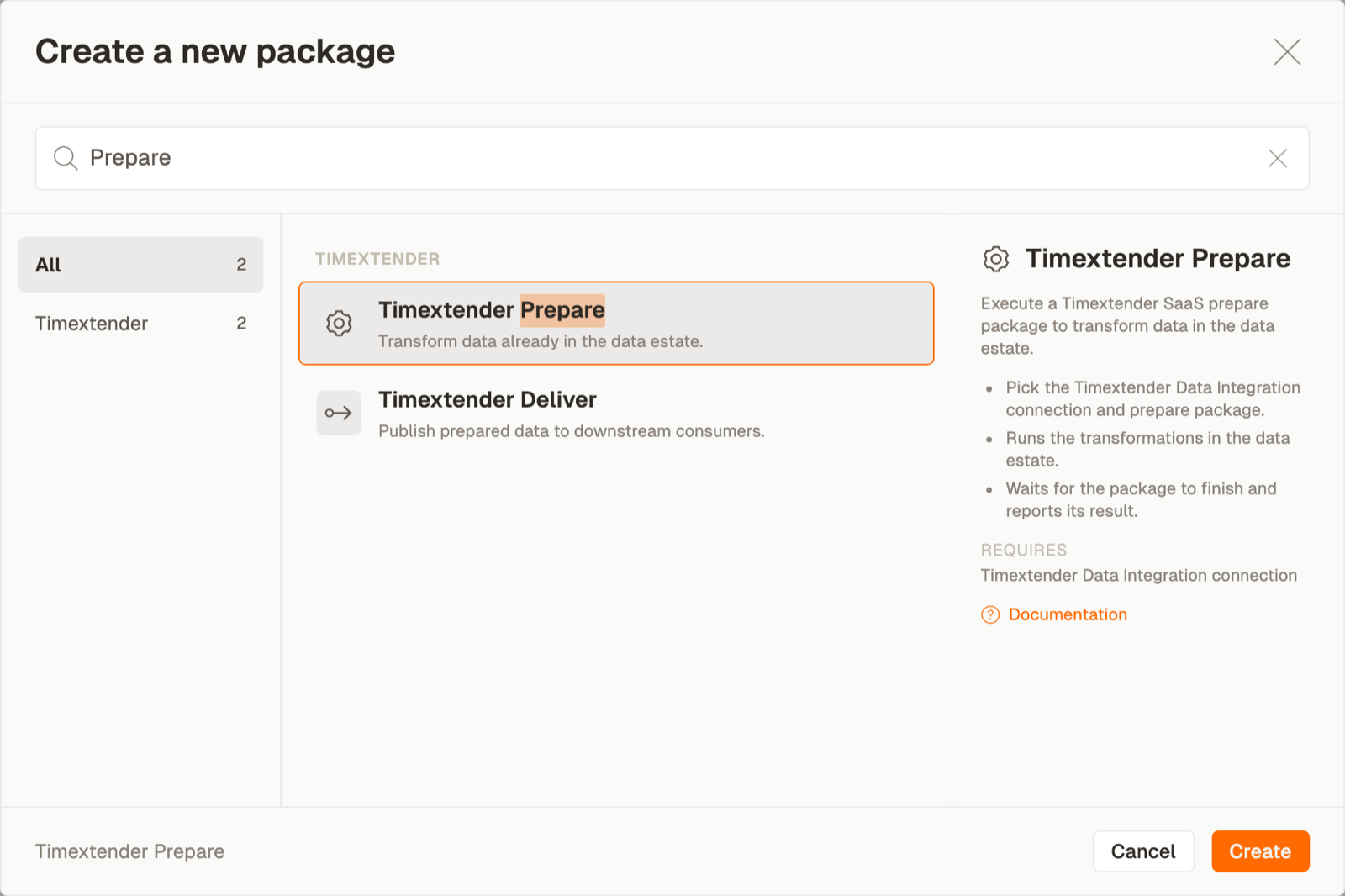
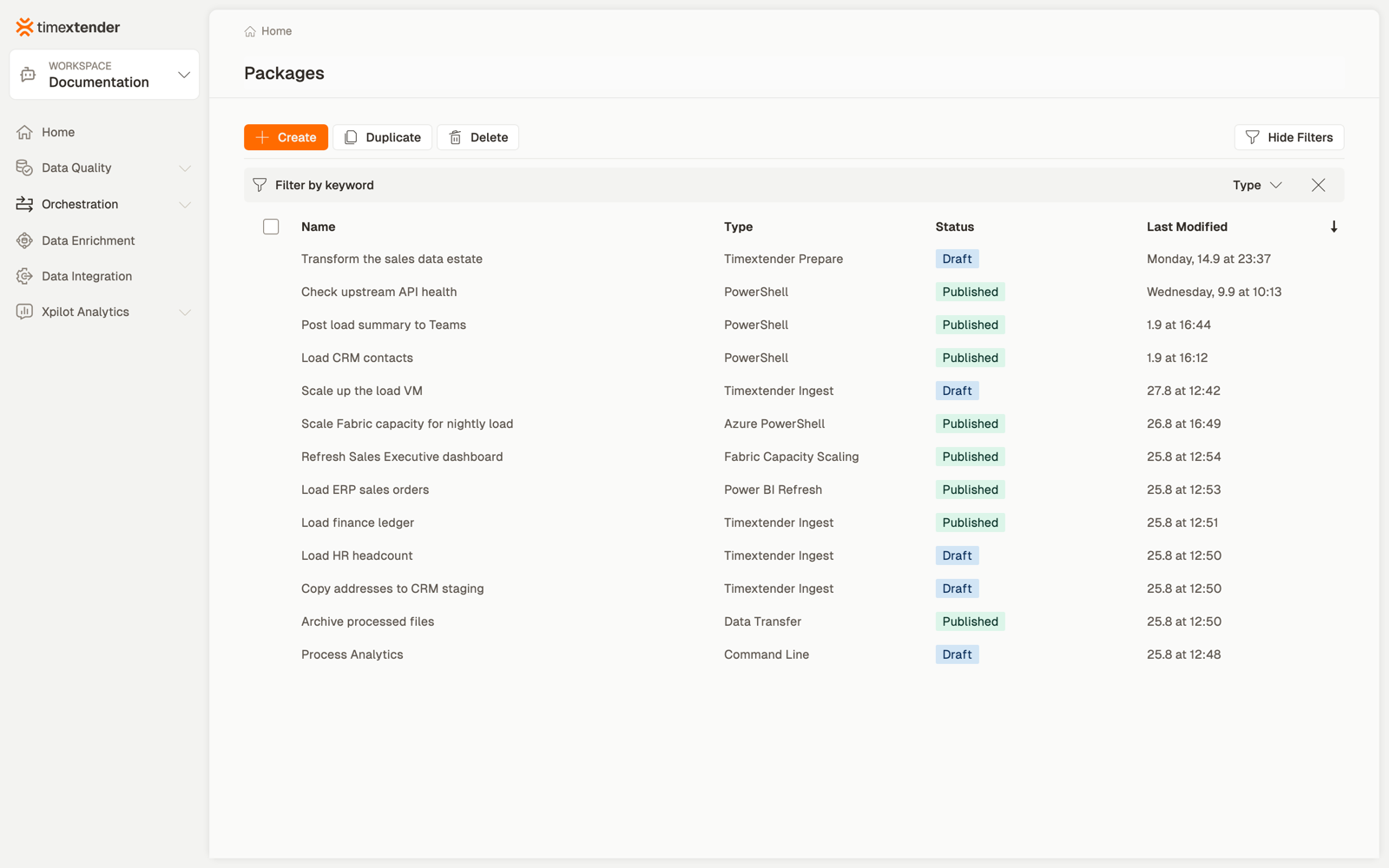
Orchestration → Packages → Create, then Timextender Prepare package from the Timextender area.
2. Name it and choose the connection
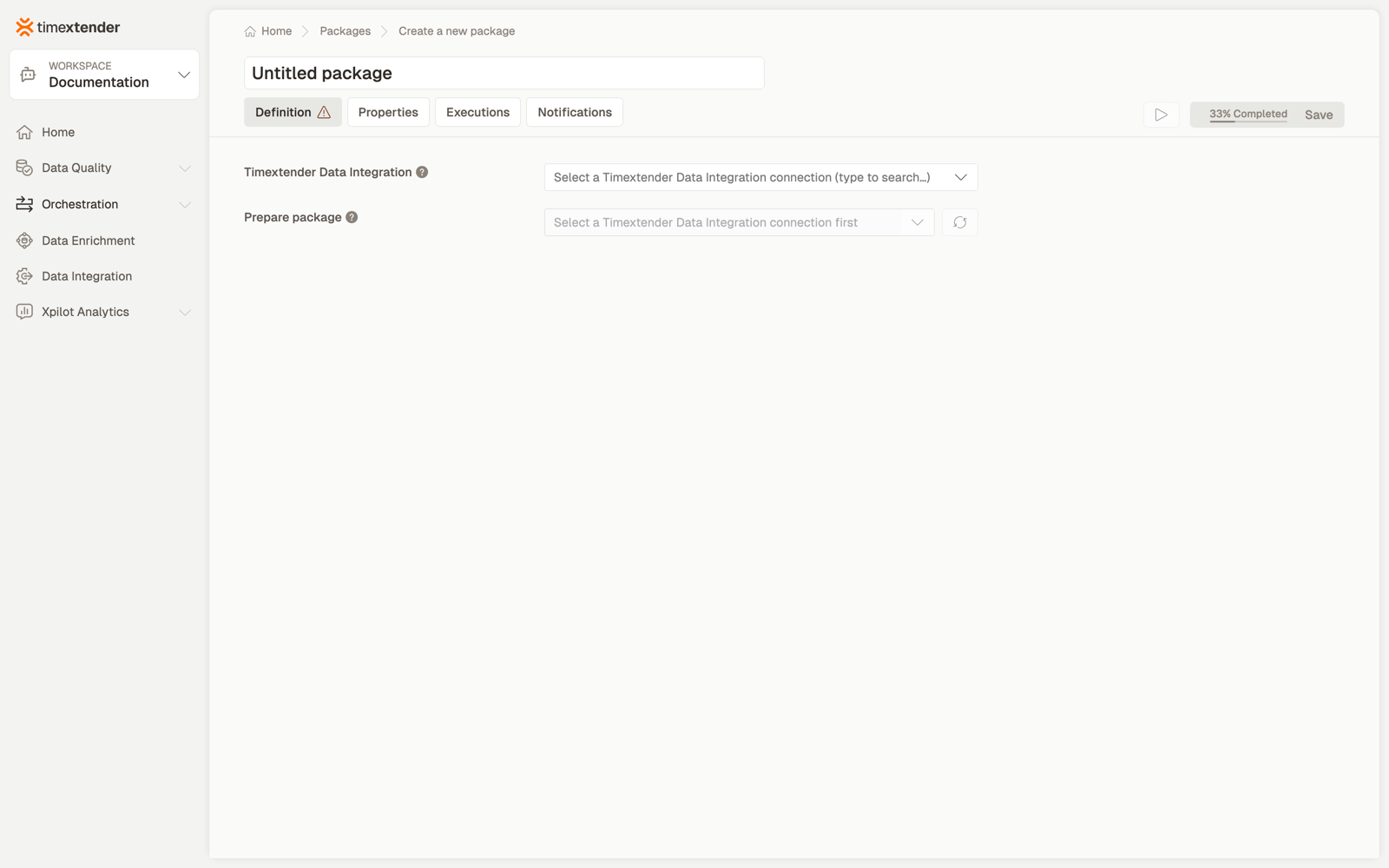
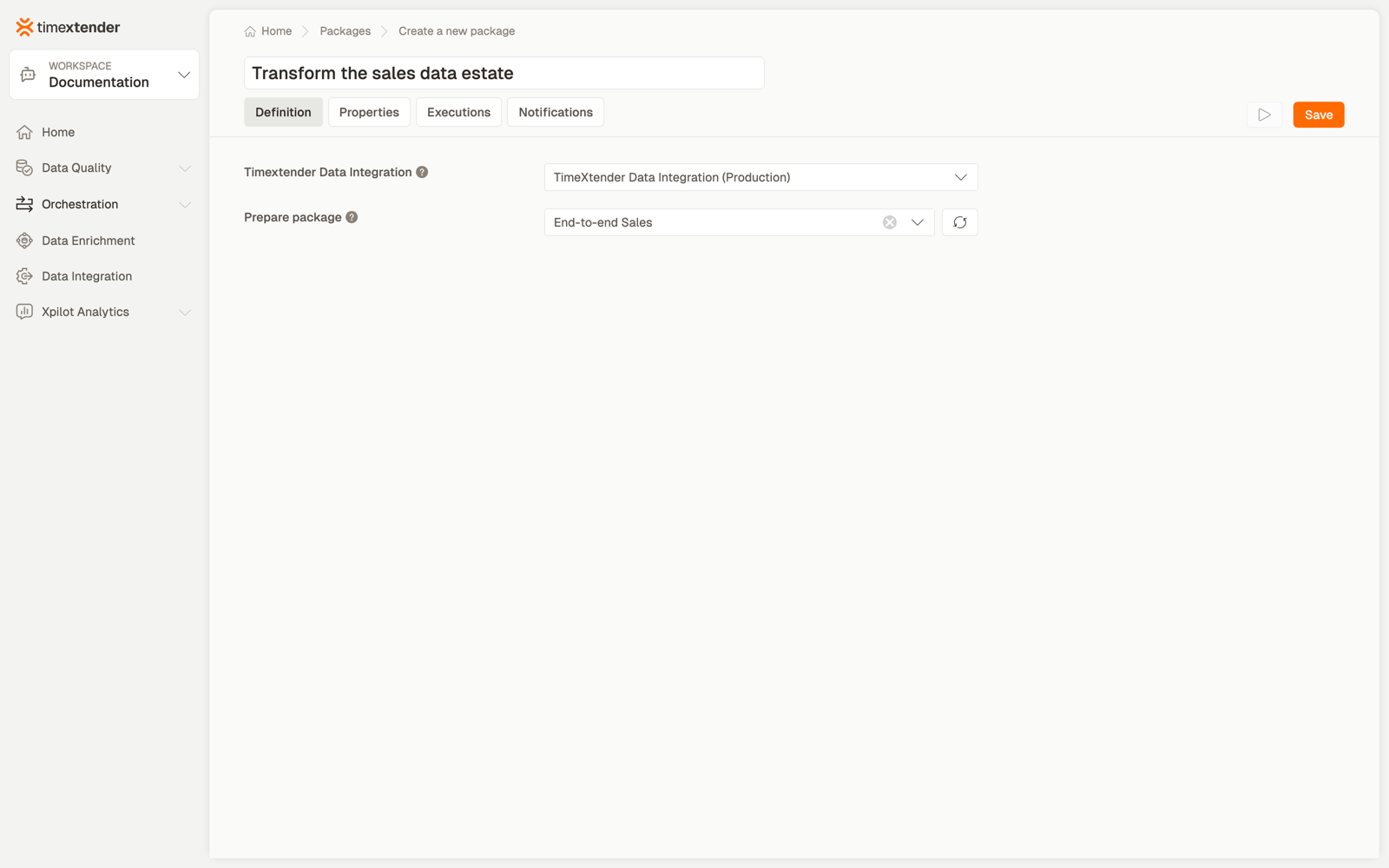
Select the Timextender Data Integration connection to use.
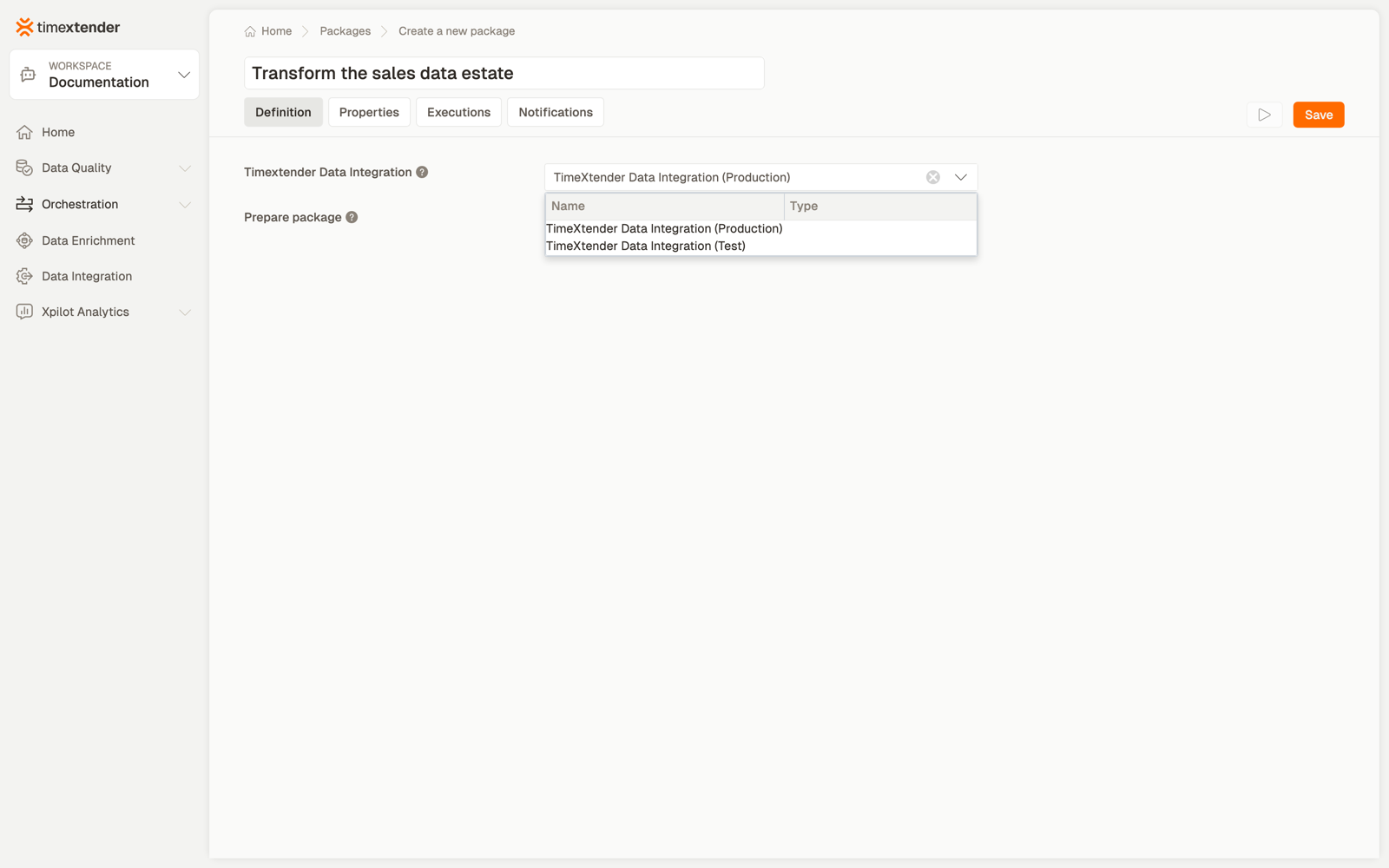
Name the package for what it achieves — "Transform the sales data estate".
3. Choose the execution package
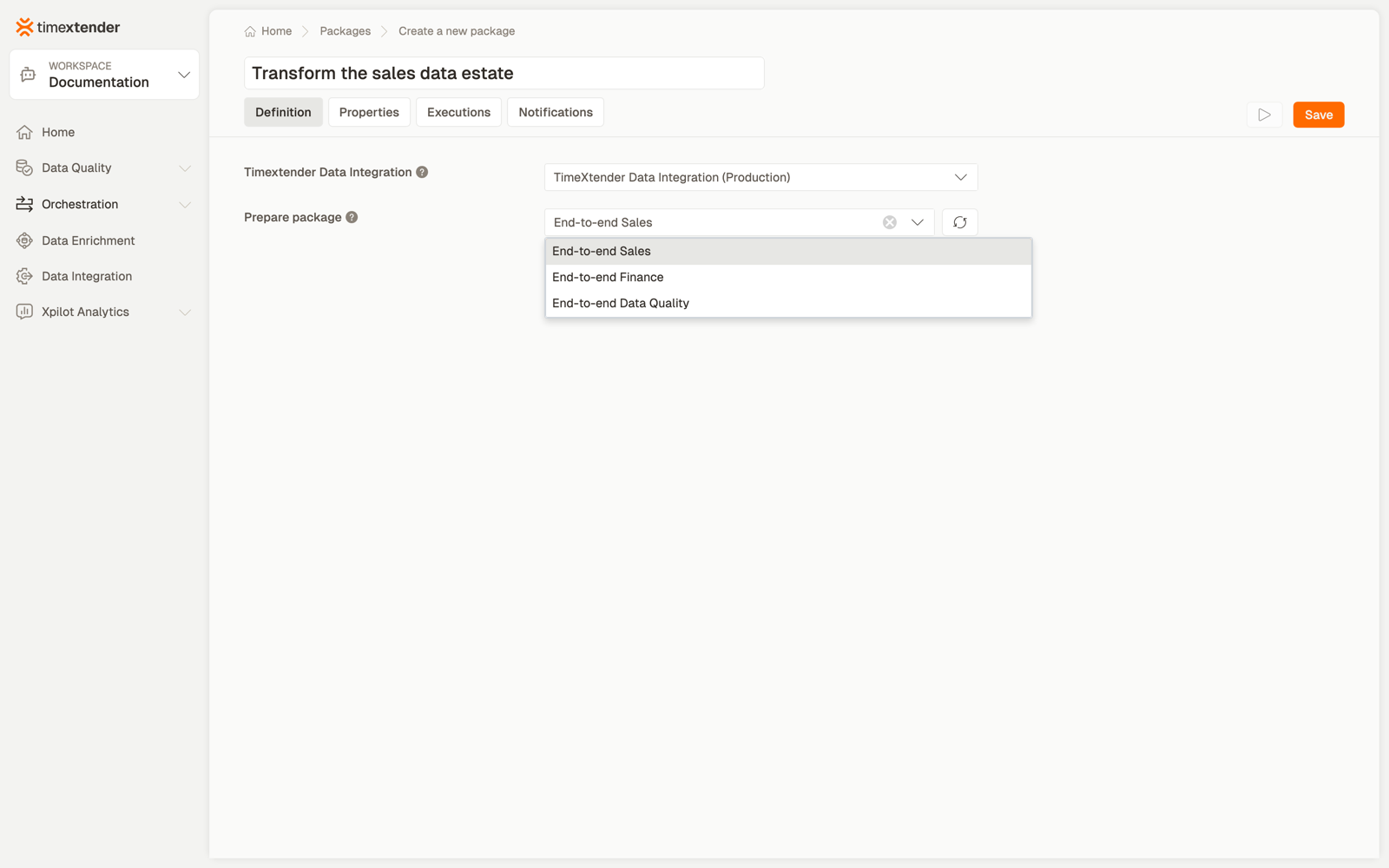
The Timextender Data Integration prepare package to execute.
The list is read from Timextender Data Integration for the selected connection. The refresh button beside the field re-reads it, which you need after creating something in TDI while this page was open.
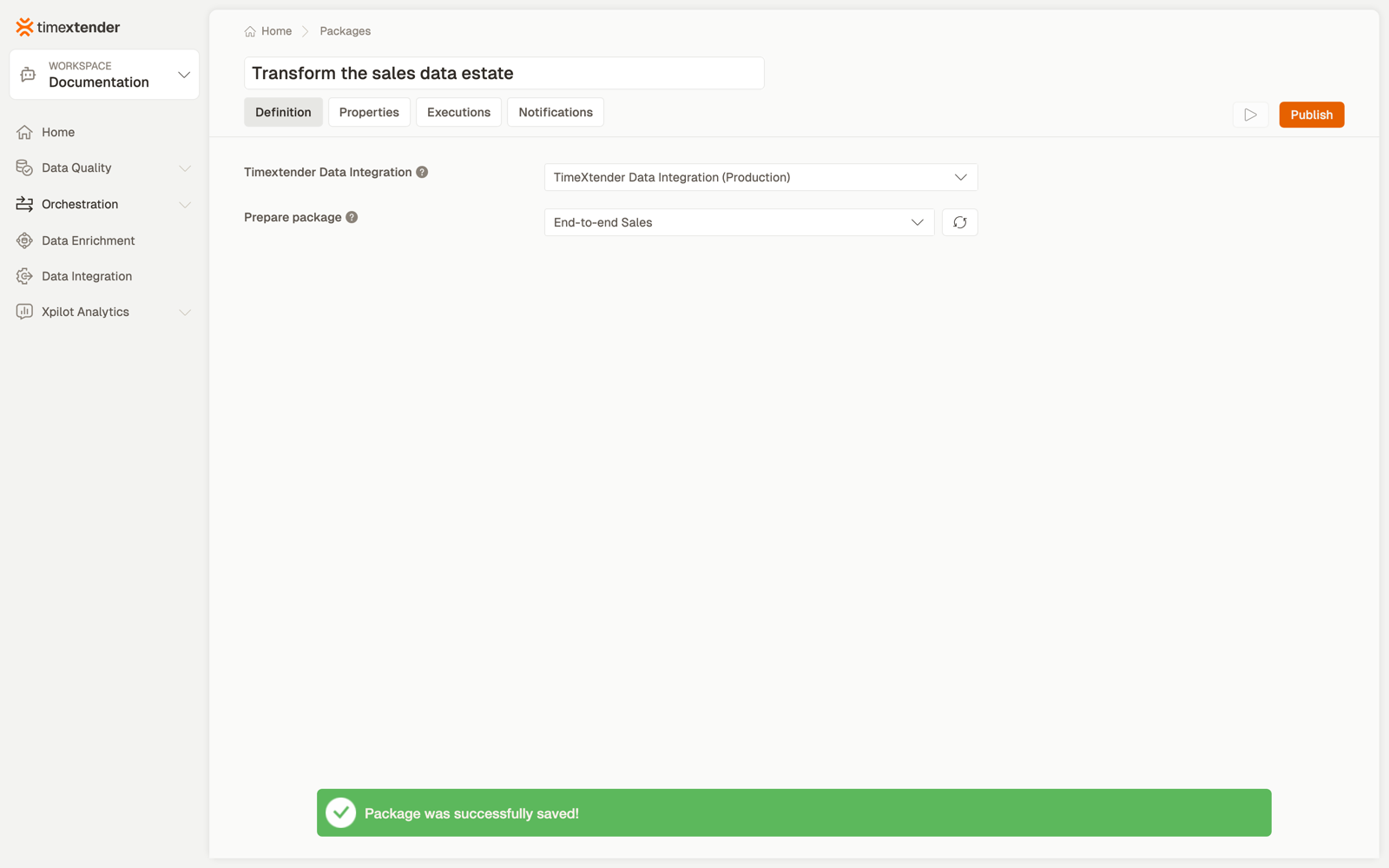
4. Save
Best practices
One package per task. Chaining several TDI tasks inside one package is not possible, and would hide which one failed even if it were. Use a process map to order them.
Mirror the TDI pipeline in your process map. Ingest, then Prepare, then Deliver, with dependencies between them, so a failed ingest stops the transform instead of transforming yesterday's data.
Name the package for the business outcome, not the TDI object. "Load ERP Europe" reads better in a schedule than the task's internal name.
Keep one TDI connection per environment and select the right one per package, rather than repointing a single connection when promoting.
Troubleshooting
The task picker is empty, with a message about fetching instances. The Data Provider is new and its instances have not been fetched and mapped yet. On the Data Provider, click Fetch Instances, map the instances (for example DEV / PROD), and save. The tasks then appear, each listed once, under the Instance Group column. The exact message is "Fetch and map instances on this Data Provider before adding packages."
The same task is listed several times, once per instance. The Data Provider predates the upgrade and was never mapped. Those keep their previous behaviour deliberately — only newly created Data Providers require mapping first. Fetch and map its instances to collapse the duplicates. A package already bound on such a provider keeps its saved selection when you reopen it; it is never silently cleared.
Where this applies
The picker guidance ships in 26.2 for ODQ Desktop; the equivalent in TDP follows in a later release. On a TDP-only environment you may still see the duplicated rows.
The execution package list is empty. The connection cannot reach Timextender Data Integration, or its API key has been revoked. Check the data provider, then use the refresh button beside the field.
The list loads but the one I want is missing. It may not exist in the instance this connection points at — a common surprise when the connection is for Test and the object was created in Production.
A package that worked now fails with an authentication error. The TDI API key on the data provider has expired or been rotated. Fix it on the data provider; packages pick up the new value without being edited.
The execution package was renamed in TDI. The package stores the reference it was configured with. Reopen the package, re-select from the refreshed list, and save.
Reference
Fields
| Field | Required | Notes |
|---|---|---|
| Data provider | Yes | Select the Timextender Data Integration connection to use. |
| Execution package | Yes | The Timextender Data Integration prepare package to execute. Has a refresh button. |
Validation: Please select a Timextender Data Integration connection, Please select a prepare package.
Behaviour worth knowing
The package stores the selected object's reference, not a copy of it. Changing what the task or package does inside TDI changes what this package runs, with no edit here.
Related
- Packages overview
- Create a Timextender Ingest package and Deliver — the stages either side
- Running a TDI execution in Turnkey
- Orchestrating TDI
Discussed in the community
Looking for related questions…
Didn't find your answer? Ask the community about this page — questions are answered by Timextender experts, partners and other users.