Portal style templates
The Timextender Orchestration and Data Quality Portal contains many features and navigational tools for you to work with. This can sometimes cause the portal to feel crowded. To fix this issue users can utilize the browser parameter StyleTemplate which allows the user to control how he wants to view the Portal. There are two Style template modes, Default and Presentation.
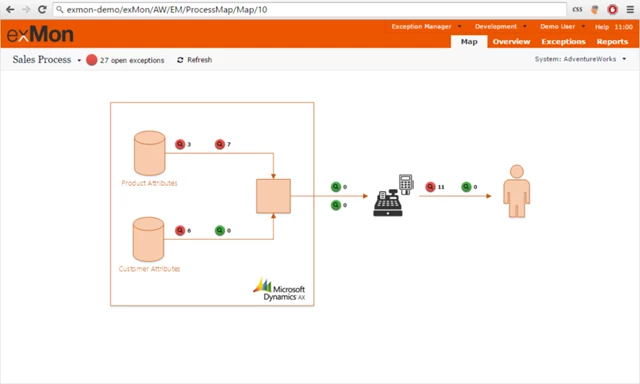
Default mode
This mode contains all features and navigations.
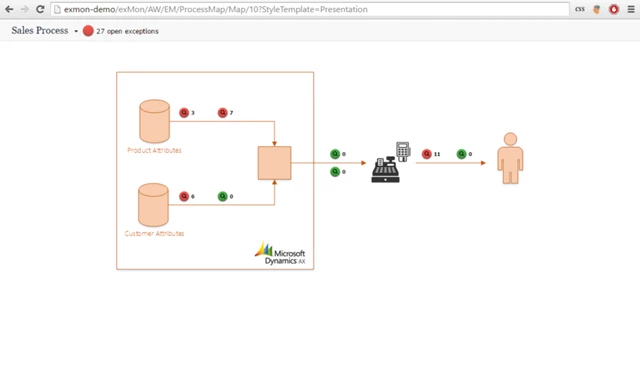
Presentation mode
This mode simplifies navigation and user interactions. Presentation mode is recommended for environments where Timextender Orchestration and Data Quality Portal is being displayed but not worked on.
Discussed in the community
Looking for related questions…
Didn't find your answer? Ask the community about this page — questions are answered by Timextender experts, partners and other users.