View Data Types in Timextender Classic
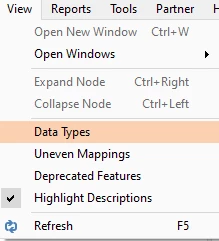
View the data types of all fields in a table, by selecting Data Types under View in the ribbon.
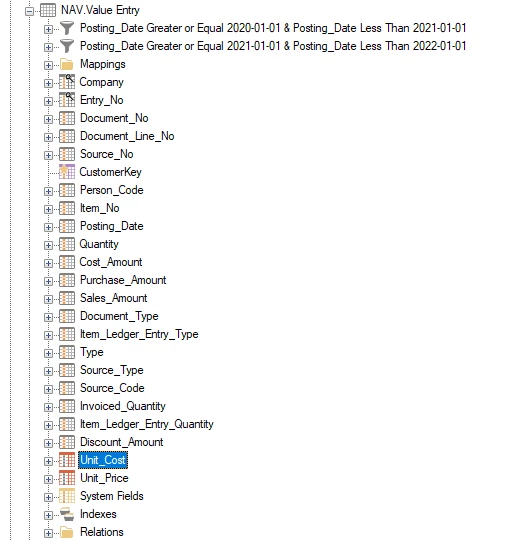
Before enabling the feature, tables will look as below and you will need to hover above the field to see its type.
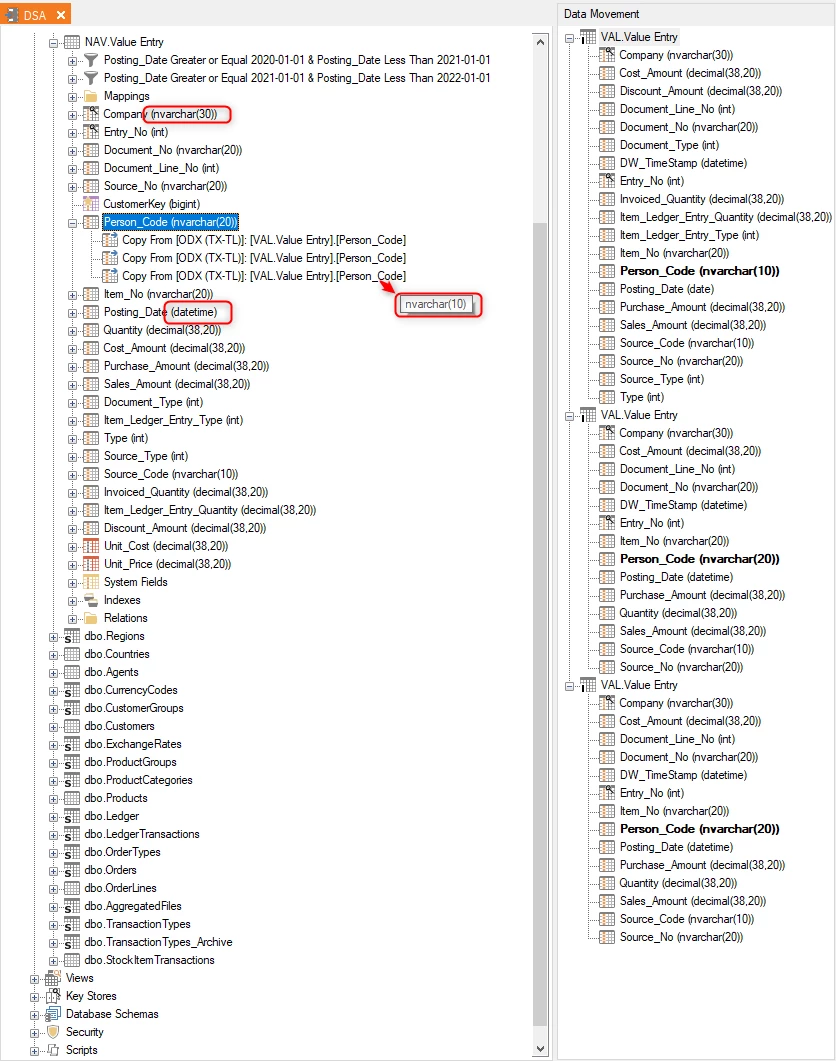
However, once the feature is enabled, all the fields data types will be displayed. Hover over field mappings to see the data type of the source fields.
Discussed in the community
Looking for related questions…
Didn't find your answer? Ask the community about this page — questions are answered by Timextender experts, partners and other users.