Monitoring lower toner in printers using Timextender Data Quality
In this article, you will read about monitoring lower toner in printers using Timextender Data Quality. Printers can run out of ink at the worst time, with the customer standing next to you. With Timextender Data Quality you can automatically monitor your printers' status, to make sure you can react proactively before it becomes an issue.
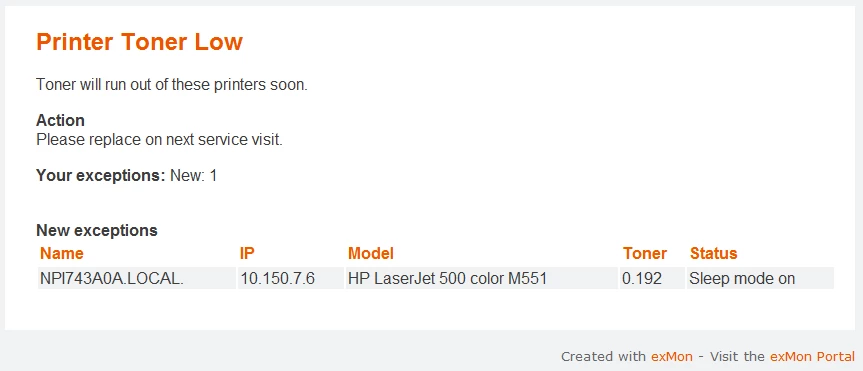
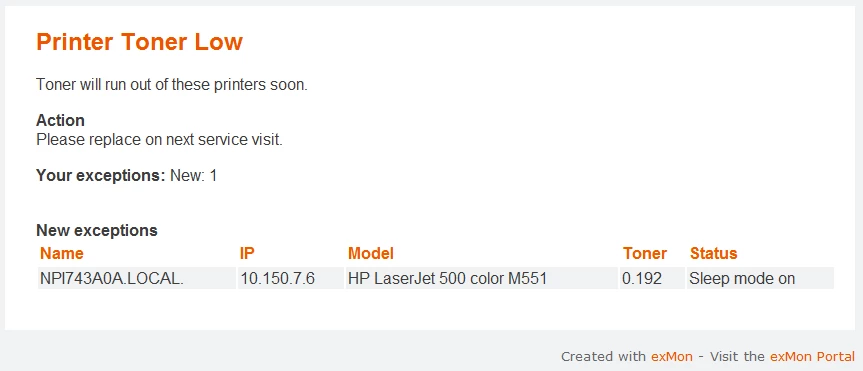
Example of email notification from Timextender Data Quality
Query Setup
To query the status of your organization's printers, you can query the SNMP protocol using PowerShell in Timextender Data Quality.
- Create a Query Snippet in Timextender Data Quality with the following PowerShell function
- Create a Query within Timextender Data Quality containing the following code.
- Replace the IP addresses with the printers in your organization and 0.2 with the minimum percentage of toner.
- Enable Exception Manager and deploy to production.
Discussed in the community
Looking for related questions…
Didn't find your answer? Ask the community about this page — questions are answered by Timextender experts, partners and other users.