Error: 'Process maps not appearing in Turnkey' while managing process maps designed in the O&DQ client application
Symptoms:
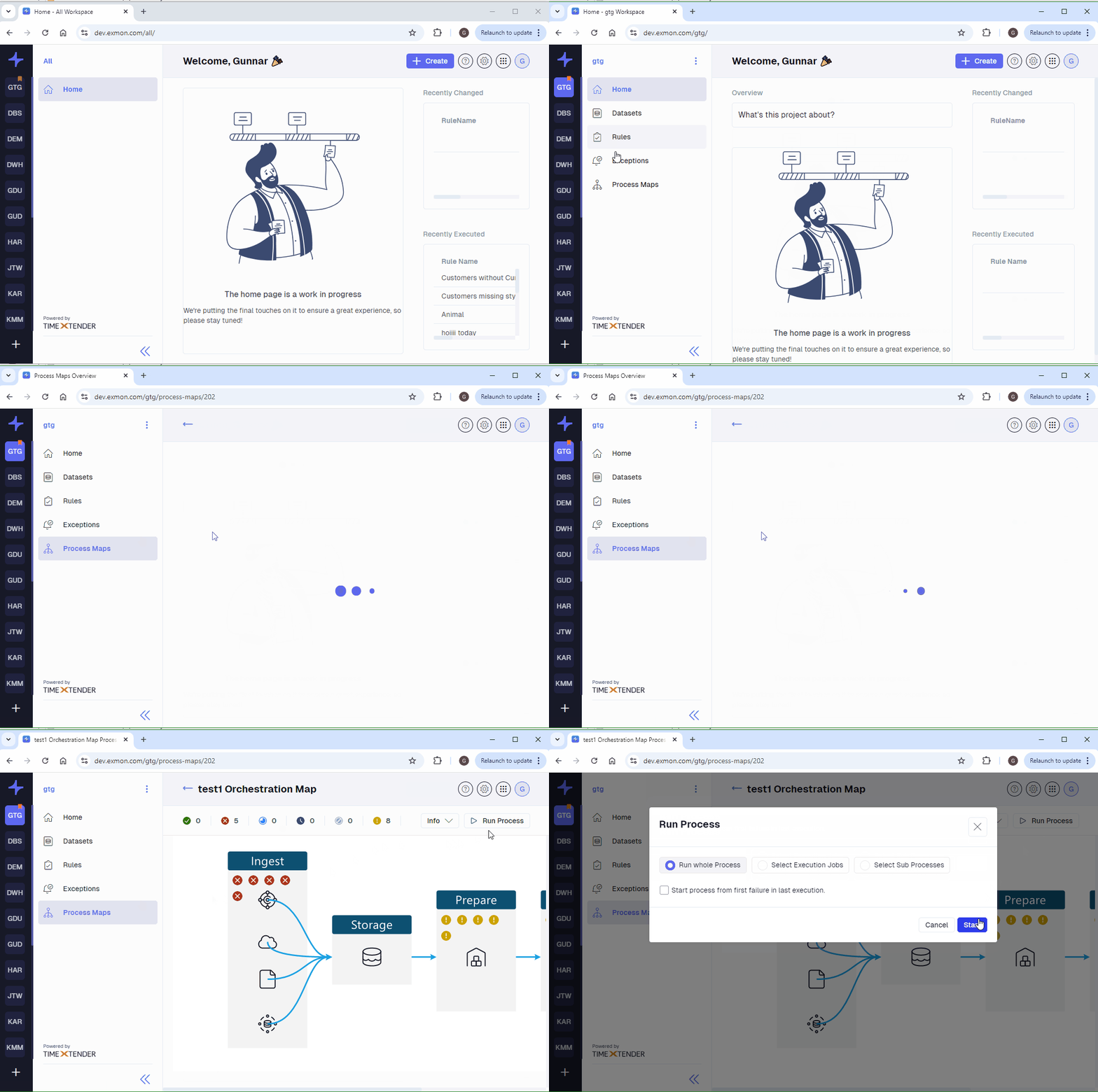
Process maps designed in the O&DQ client application are not visible in the Turnkey environment.
Error
Process maps not appearing in Turnkey.
Resolution:
- Create a Workspace in Turnkey:
- Navigate to Turnkey and create a new workspace.
- Ensure this workspace is synced and shown as "system" in the Desktop Application.
- Move Process Maps to the New System:
- Open the O&DQ client application.
- Select the process map you want to move.
- Move the selected process map to the newly created system in Turnkey.
- Verify Process Map Appearance:
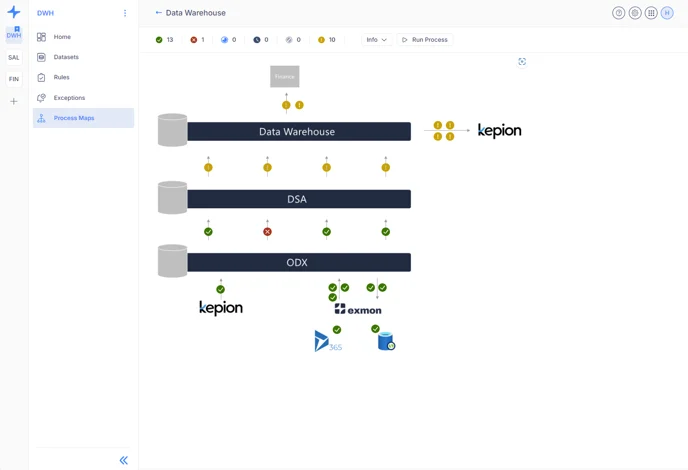
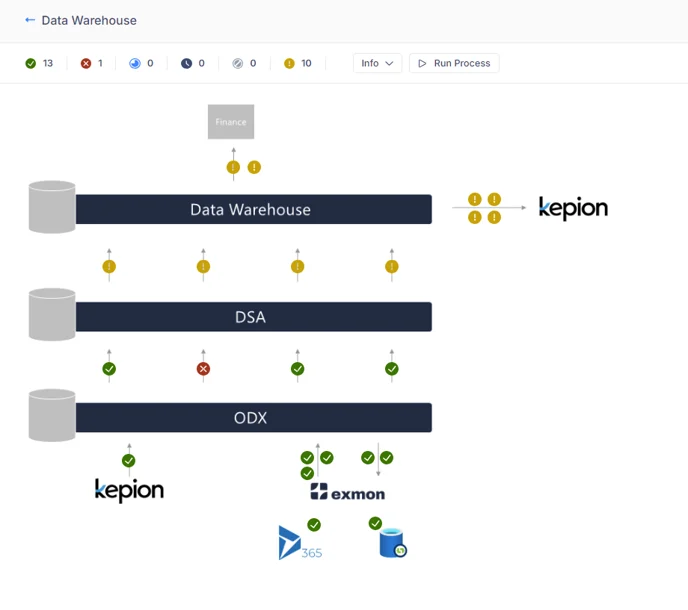
- Once the process map is moved, it should appear in Turnkey.
- Navigate to the 'Process Maps' tab in Turnkey to confirm the visibility of the process map.
Reference Ticket
32770
Reference Links
- Running a TDI execution in Turnkey
- Interacting with Process Maps in Turnkey
- Introduction to Process Maps in Turnkey
Discussed in the community
Looking for related questions…
Didn't find your answer? Ask the community about this page — questions are answered by Timextender experts, partners and other users.