Notify when there is a new file in a folder
The PowerShell Data Provider in Timextender Orchestration and Data Quality can be used for various things. In this post, you will create a test in Timextender Data Quality, using PowerShell to notify you whenever there is a new file that matches a pattern in a folder.
- Create a new Compare Query in Timextender Data Quality by right-clicking the Data Quality > Tests folder
- In the first query window, choose the PowerShell Data Provider and add the following PowerShell script:
$path = "C:\temp\Names*.txt"

$timeXtenderResult =  Get-ChildItem $path | Select-Object -Property FullName,CreationTime | exMon-Out-DataTable
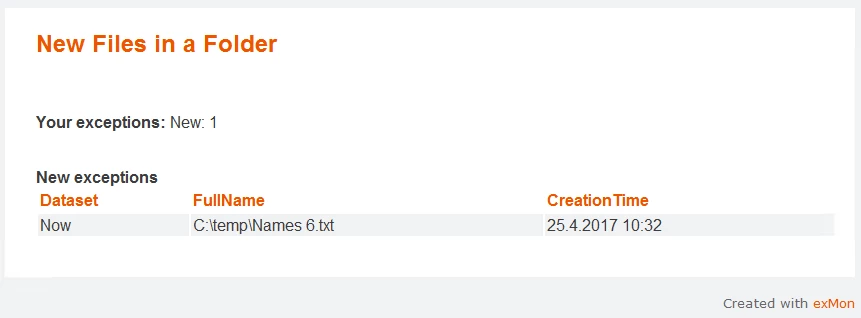
Example email from the test:
Discussed in the community
Looking for related questions…
Didn't find your answer? Ask the community about this page — questions are answered by Timextender experts, partners and other users.